

CPS Test: Check Your Clicks Per Second
Pick a duration, click the pad as fast as you can and get your exact clicks per second, plus your personal best for every mode.
Your result
Clicks per second, usually shortened to CPS, is the simplest way to put a number on how fast your finger and your mouse can work together. It matters more than it sounds. In Minecraft PvP, faster clicking means more hits land inside each attack window. In clicker and idle games it is literally progress. And for anyone who just bought a new mouse, a quick CPS test is a satisfying way to feel how the switch responds.
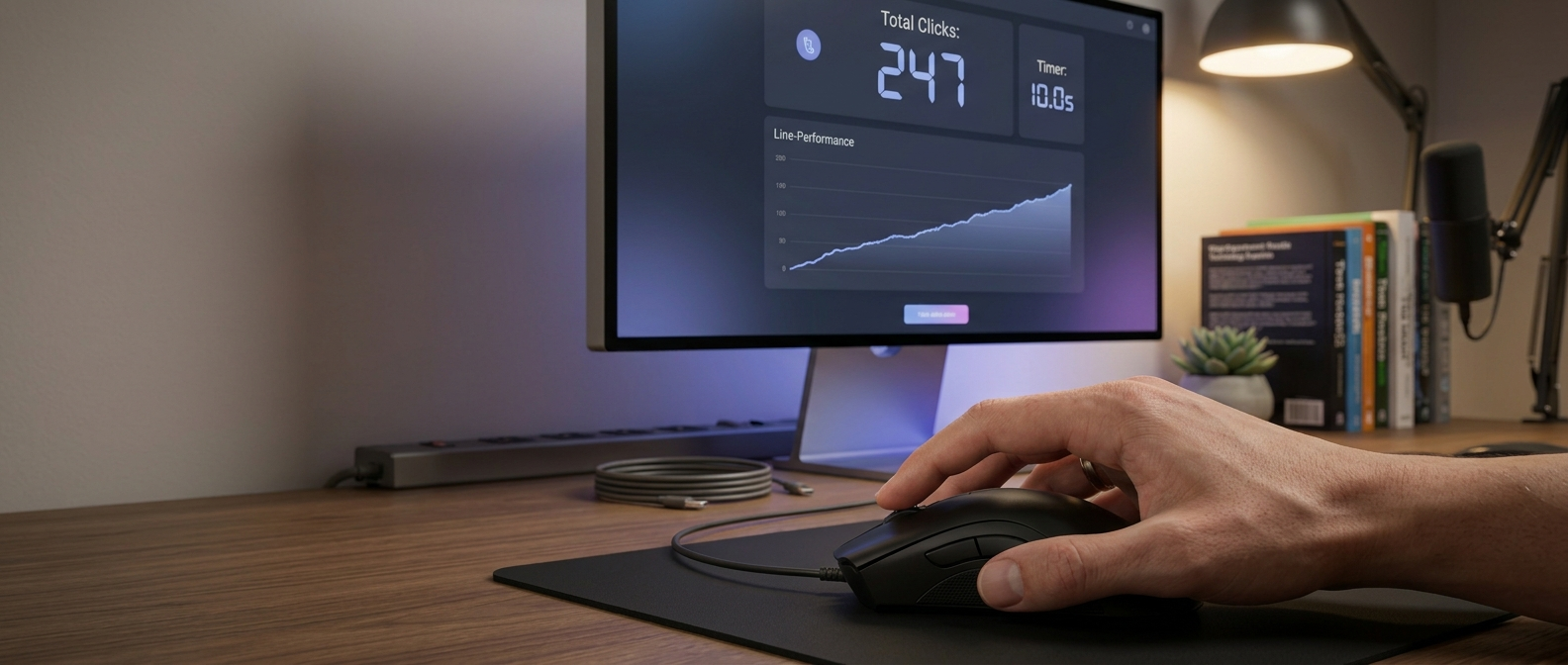
This CPS test gives you seven round lengths, from a one second burst to a full minute of endurance. The timer starts on your first click, so you never lose time reacting to a countdown, and your best score for every mode is saved in your browser so you can see real progress over days and weeks.
How to use the CPS test
- Choose a duration from the bar above the click area. Five seconds is the standard most people compare against.
- Rest your hand on the mouse in your normal clicking position, then click the pad once to start the timer.
- Keep clicking until the timer hits zero. Every press of the left button counts, as does a tap on a touch screen.
- Read your clicks per second and total clicks in the result panel, then hit Try again to beat it.
Want to see how your speed holds up second by second instead of as one number? The click speed test with a per-second chart breaks every round into individual seconds so you can spot where your pace drops off.
How the clicks per second counter works
Real presses, measured with a precise timer
The counter listens for the moment your mouse button goes down, not for the full click cycle. That is the same moment a game registers an attack. Timing uses the browser high resolution clock, which is accurate to well under a millisecond, so a five second round really is five seconds. When time runs out the pad locks briefly, which stops a late click from being counted or accidentally starting a new round.
Why the formula is simple
CPS is total clicks divided by the round length in seconds. Forty clicks in five seconds is exactly 8.0 CPS. There is no smoothing and no rounding in your favor. Short rounds reward explosive speed, while 30 and 60 second rounds show whether you can sustain it, which is closer to what a long fight or a grinding session actually asks of your hand.
What your CPS score means
Most people land somewhere between 5 and 7 CPS on their first try with normal clicking. The table below gives a realistic picture of where a score sits.
| CPS | What it usually means |
|---|---|
| Below 5 | Relaxed clicking, typical when you first try |
| 5 to 7 | Average for regular clicking with one finger |
| 7 to 10 | Fast, common among competitive players |
| 10 to 14 | Very fast, usually jitter clicking |
| 14 and above | Butterfly or drag clicking territory |
If your score suddenly looks higher than your effort, be careful before celebrating. A worn switch can register one press as two, which inflates CPS and causes accidental double clicks in everyday use. Run the double click test to check whether your mouse is chattering.
Clicking techniques compared
Regular clicking
One finger, normal pressure. It is comfortable, accurate and easy to keep up for long periods, but most people top out around 6 to 8 CPS.
Jitter clicking
You tense the forearm so the hand vibrates and the finger taps rapidly. Many players reach 10 to 14 CPS this way. It is tiring, reduces aim control and can strain your wrist, so keep sessions short.
Butterfly clicking
Two fingers alternate on the same button. Scores of 15 to 20 CPS are possible, although some servers and games treat very high rates with suspicion.
Drag clicking
You slide a dry fingertip across the button so friction makes it bounce many times. It can exceed 25 CPS but depends heavily on the mouse, and it wears switches quickly.
Tips for a higher, healthier CPS
- Warm up with a few relaxed rounds before going for a record. Cold hands are slow hands.
- Click with the fingertip rather than the pad of your finger. A shorter movement means faster repeats.
- Keep your wrist anchored on the desk or mouse pad and let the finger do the work.
- Use the 10 or 15 second mode for training. It is long enough to build stamina without the fatigue of a full minute.
- Stop if you feel pain in the wrist or forearm. Speed gains are worthless if they come with strain.
Hardware plays a part too. A mouse with a light, crisp switch and a polling rate of 1000 Hz registers presses consistently. You can confirm your mouse reports quickly enough with the mouse polling rate test. And because clicking fast is only half of winning a fight, pair your practice with the aim trainer and the reaction time test so speed, accuracy and reflexes improve together. If you want a keyboard challenge next, the spacebar counter works the same way for your thumb.
Frequently asked questions
What is a good CPS score?
For normal single finger clicking, 6 to 8 CPS is good and anything above 8 is fast. Jitter clickers often reach 10 to 14 CPS, and butterfly clickers can go higher. Compare yourself against the same duration every time, because short rounds always produce higher numbers.
Which duration should I use to compare with friends?
Five seconds is the most common benchmark, so it is the fairest choice for comparisons. Use one and three second modes for pure burst speed and the 30 or 60 second modes to test stamina.
Does a gaming mouse increase my CPS?
Not directly, but a light, responsive switch makes fast clicking easier and a 1000 Hz polling rate ensures every press is reported promptly. A mouse that double clicks will inflate scores, which is a fault rather than an upgrade.
Is my best score saved?
Yes. Your best result for each duration is stored locally in your browser. Nothing is uploaded, and clearing your browser data resets it.
Can I take the CPS test on a phone?
Yes. Taps on the click pad count the same way as mouse clicks, although touch screens usually produce lower scores than a mouse with a crisp switch.
What is the world record for clicks per second?
Recorded bursts using jitter or butterfly clicking reach well above 15 CPS, and drag clicking can register even higher numbers for a few seconds. Sustained speeds over 10 seconds are much lower.
Does a gaming mouse increase my CPS?
A lighter switch with a short travel can help a little, and some shells suit butterfly or drag clicking better. Technique and practice matter far more than the mouse.
Which duration should I use to compare scores?
Five seconds is the most common benchmark. Use one or three seconds for bursts, and 30 or 60 seconds to see how well you hold your pace.
Is fast clicking bad for my hand?
Short sessions are fine. Stop if you feel pain, keep your wrist relaxed, and take breaks between rounds to avoid strain.
Related tools
Fast clicks mean little if your reflexes lag
See how quickly you react to what happens on screen, measured in milliseconds, then put the two together.